![Vision Logo-1.png]](https://www.inps.co.uk/hs-fs/hubfs/Vision%20Logo-1.png?height=40&name=Vision%20Logo-1.png)
- From either an iOS or Android device, open Vision Anywhere
 .
. - Log in using your Vision registered email address and password.
- The Home screen displays, select Patient Search
 and find the patient required.
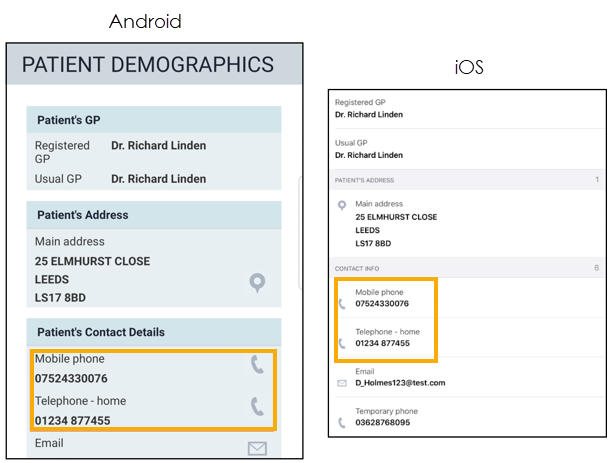
 - The Patient Summary screen displays. The Patient Demographics display at the bottom of the screen.
- Select the Phone
 to directly dial the patient: